How to Log In Facebook Account when purchasing at Accsmaster
General Format:
Username | Password | 2FA Key | Email Access | Hotmail Recovery (Getnada)
Example:
EXP: 61566585653642|fXF3gcn6r0eTtGs|UVYC7FOGPSE7SMZLC7XDYA352VSMF4VM|essineteisen@hotmail.com|idANSauKDS8f7lo|essineteisen@getnada.com
Explanation (in order):
-
Username:
61566585653642— the account’s username. -
Password:
fXF3gcn6r0eTtGs— the account’s password. -
2FA Key:
UVYC7FOGPSE7SMZLC7XDYA352VSMF4VM— the two-factor authentication key (used with an Authenticator app to generate OTP codes). https://accsmaster.org/2fa -
Email Access:
essineteisen@hotmail.com|idANSauKDS8f7lo— the email linked to the account and its password (format:email|email_password). -
Hotmail Recovery (Getnada):
essineteisen@getnada.com— the recovery email (temporary Getnada email), needed when logging into Hotmail or recovering access. https://inboxes.com/
Important Notes:
-
The Email Access field contains two pieces of information (main email + its password), separated by
|. -
The 2FA Key is required to set up in an authenticator app (Google Authenticator, Authy, etc.).
-
The Hotmail Recovery (Getnada) email is a disposable inbox used for Hotmail verification or recovery if needed.
Featured Posts
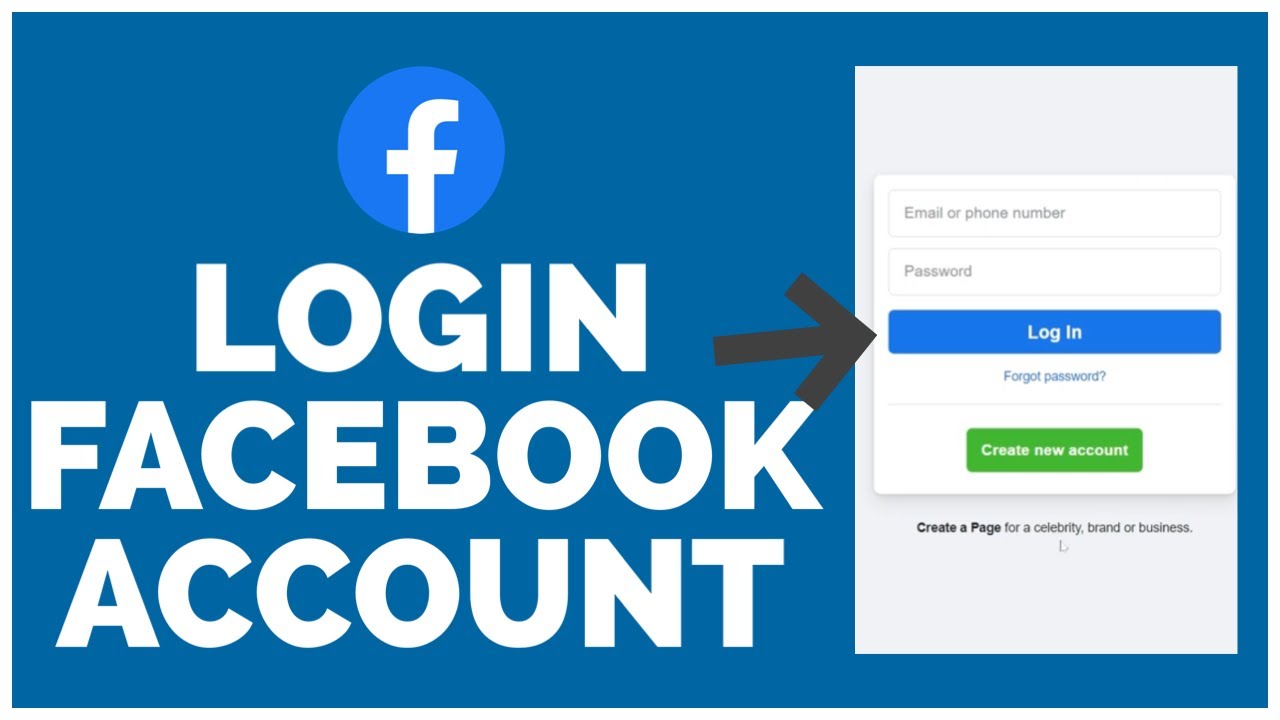
How to Log In Facebook Account when purchasing at Accsmaster
2025-10-19 16:07:31

How to use Discord for Business
2025-10-05 16:53:08

10 Tips for Building a Strong Instagram Presence
2025-09-30 08:17:59
How Many Facebook Accounts Can You Have
2025-09-30 08:17:14

How to Promote OnlyFans with Social Media
2025-10-05 16:57:23

5 Best Social Media for Online Marketing
2025-09-30 08:18:30
Twitter vs Threads: Key Differences and Feature Comparison
2025-10-05 16:54:55